
When launching a new website or improving an existing platform, one of the most common questions is whether to choose web hosting or VPS. Both services make websites accessible online, but they differ significantly in resources, management, performance, customization and cost.
Renting a large server for a small company website may create unnecessary expenses. On the other hand, hosting a high-traffic website or custom application on a basic shared hosting account may lead to performance and resource limitations.
The right decision should therefore consider not only current traffic but also the technical structure of the project, expected growth, security requirements and the amount of time available for server management.
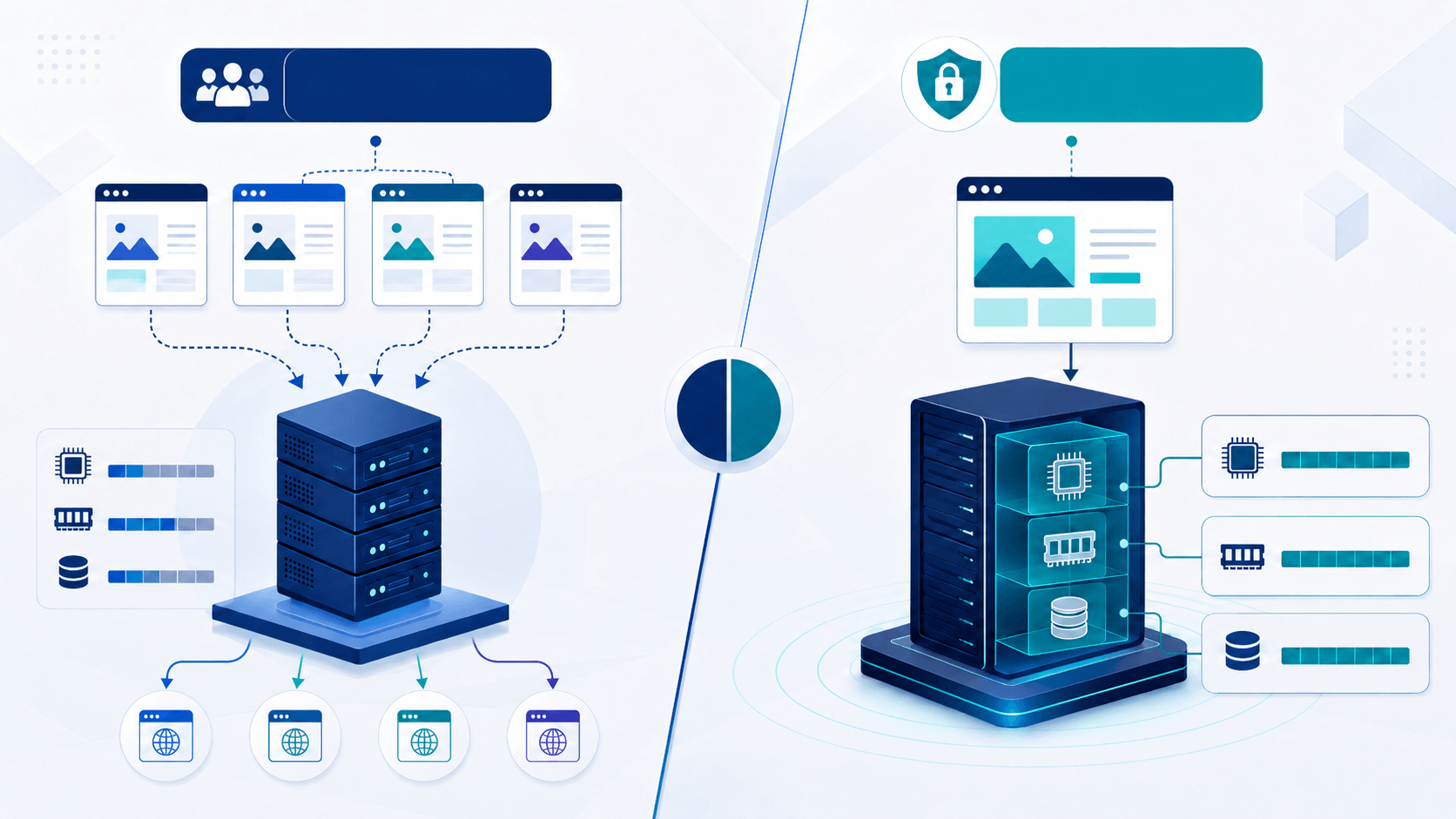
Web hosting is a service in which the resources of a server are shared between multiple customers and websites. The hosting provider manages the operating system, web server, control panel, security configuration and basic technical maintenance.
Customers usually manage domains, email accounts, databases, PHP versions, SSL certificates and website files through DirectAdmin or another hosting control panel. This makes hosting practical for users who want to publish a website without managing the technical details of a server.
For personal blogs, small business websites, portfolio pages and new projects, web hosting packages are often sufficient.
The main advantage of web hosting is ease of use. Customers do not need to handle operating system installation, system updates or web server configuration.
Hosting packages are generally more affordable than VPS and dedicated server services. This makes them a suitable starting point for new websites and projects with limited budgets.
Tasks such as creating email accounts, adding databases, uploading files and managing backups can be completed through a user-friendly control panel.
In a shared hosting environment, CPU, RAM and disk input/output resources are used by multiple accounts. Hosting providers may apply account limits to maintain stable performance across the server.
These limits are usually not a problem for standard websites. However, high concurrent traffic, resource-intensive plugins, large databases or long-running PHP processes may exceed the available account resources.
Customers cannot make server-level changes in a standard hosting account. Installing custom system services, changing the operating system or configuring a different web server is generally not possible.
VPS stands for Virtual Private Server. A physical server is divided into multiple independent virtual servers through virtualization technology.
Each VPS is assigned a defined amount of CPU, RAM, disk space and other system resources. Customers usually receive root or administrator access and can configure the operating system, web server, PHP, database and security tools according to project requirements.
For custom applications, high-traffic websites and projects requiring greater control, server rental solutions may be more suitable.
A VPS provides broader administrative control than a standard hosting account. Customers can install required software, modify service configurations and create a custom environment for their applications.
Predefined CPU and RAM resources provide more predictable performance for demanding workloads. Excessive usage by another shared hosting account does not directly consume the resources assigned to your VPS.
As a project grows, CPU, RAM and disk capacity can be upgraded. Scalable cloud server solutions can make it easier to adjust resources according to changing requirements.
Using a VPS brings more technical responsibility than standard hosting. Operating system updates, firewall rules, web server settings, PHP, databases, backups and attack prevention systems must be configured correctly.
Users without server administration experience should choose a managed service or receive professional technical support. A poorly configured VPS may be slow, unstable or insecure even when it has powerful hardware resources.
The total cost of a VPS may also include more than the server package itself. Control panel licensing, external backup storage, management services and additional security tools should be included in the budget.
| Feature | Web Hosting | VPS |
|---|---|---|
| Ease of management | Easy, control panel based | Requires technical knowledge or management service |
| Server access | Limited account access | Root or administrator access |
| Resource usage | Shared and limited | Resources allocated by package |
| Customization | Limited | High |
| Initial cost | Lower | Higher |
| Maintenance responsibility | Hosting provider | Customer or management provider |
| Recommended use | Small and medium websites | High traffic and custom applications |
Web hosting may be the most practical and affordable option for the following types of projects:
Small business websites: A standard hosting package is generally sufficient for a website containing company information, service pages, a contact form and a small blog.
Personal blogs and portfolios: Users operating projects with stable and limited traffic may not need the additional responsibility of a VPS.
New websites: A new project can begin on web hosting and migrate to a VPS when traffic or technical requirements increase.
Users who do not want to manage a server: Hosting is suitable for customers who want to focus on their website without handling system updates, security and service configuration.
Businesses requiring higher resources, security and professional email capacity may consider business web hosting.
A VPS may be the better choice when one or more of the following conditions apply:
High visitor traffic: Websites serving many simultaneous visitors may require more CPU and RAM resources.
Custom software requirements: A VPS is needed when the project requires a specific PHP extension, Node.js application, custom database service or system-level software.
Large e-commerce websites: As product counts, traffic, database queries and background processes increase, standard hosting limitations may become restrictive.
Agencies and software companies: Businesses managing multiple customer projects may want to operate their own controlled server environment.
Custom security policies: Firewall rules, IP restrictions, private backup policies and corporate access controls can be configured in greater detail on a VPS.
A VPS is not automatically faster in every situation. Performance depends on the server hardware, assigned resources, storage technology, web server configuration, application optimization and database settings.
A well-configured hosting account may run a small website faster than a poorly managed VPS. The primary reason for choosing a VPS should therefore be greater resources, control and customization rather than speed alone.
When a website is slow, the application, theme, plugins, database queries, image sizes and caching system should first be examined. A VPS migration should be planned when analysis shows that the actual problem is insufficient server resources.
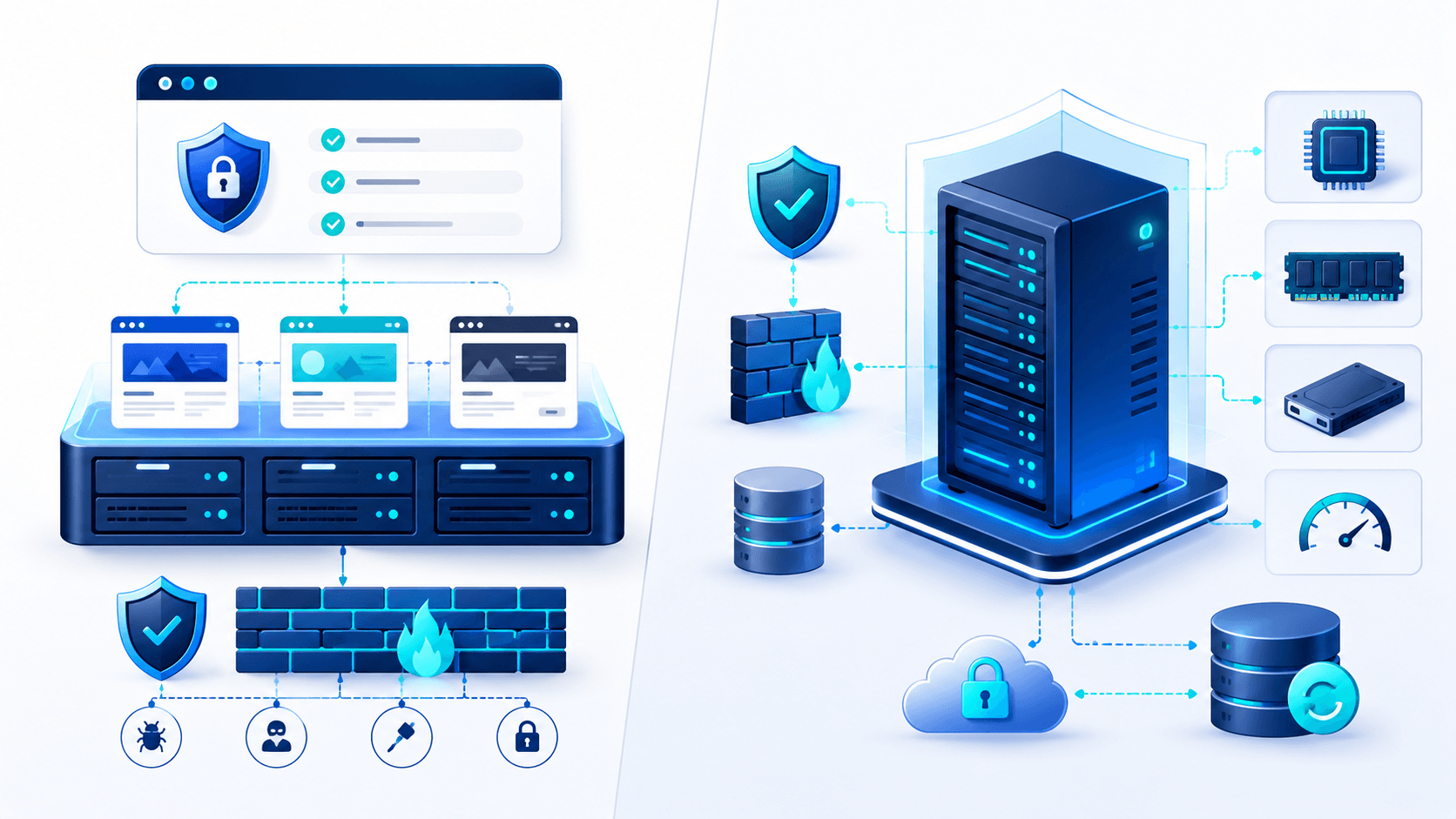
With web hosting, a significant portion of server security is managed by the hosting provider. Customers remain responsible for using updated software, creating strong passwords, avoiding untrusted plugins and protecting their account credentials.
On a VPS, the customer has more responsibility from the operating system to the application layer. Outdated services, incorrect permissions and unnecessary open ports can create security risks.
For users without technical knowledge, a professionally maintained hosting account may be safer than an unmanaged VPS. Security depends more on how the infrastructure is managed than on the service type itself.

The current hosting environment should be reviewed when the website becomes consistently slow during busy periods, frequently reaches resource limits, cannot complete long-running processes, requires custom services or no longer supports expected growth.
However, migration decisions should not be based only on visitor numbers. A poorly optimized plugin or database query may consume unnecessary resources. Performance analysis should be completed first, followed by capacity planning based on actual requirements.
CPU and RAM capacity should be selected according to the application workload. A small number of websites may not require a large server. Resource requirements increase as database processing and concurrent visitor counts grow.
Storage technology is as important as total disk capacity. NVMe storage can provide advantages for data-intensive workloads. Sufficient capacity should be planned for website files, databases, email accounts and backups.
High-resolution images, downloadable files, video content and visitor traffic increase monthly data transfer. Package traffic limits and possible overage conditions should be reviewed before purchase.
Server data should be backed up regularly to a separate location. Keeping all backups on the same server does not provide sufficient protection against hardware or file system failures.
Users without server administration experience should consider management support covering installation, updates, security, backup configuration and incident response.
There is no single answer to the question of web hosting vs VPS. Web hosting is usually a more affordable and manageable solution for small and medium websites with standard requirements.
A VPS is more suitable for projects requiring high traffic capacity, custom software, server-level control, allocated resources or advanced security configuration.
The best decision is not to purchase the package with the highest specifications, but to select infrastructure that matches the current requirements and growth plans of the project. You can compare Kariha.net’s hosting packages and server solutions to identify the appropriate infrastructure for your website.

 Turkey (Türkçe)