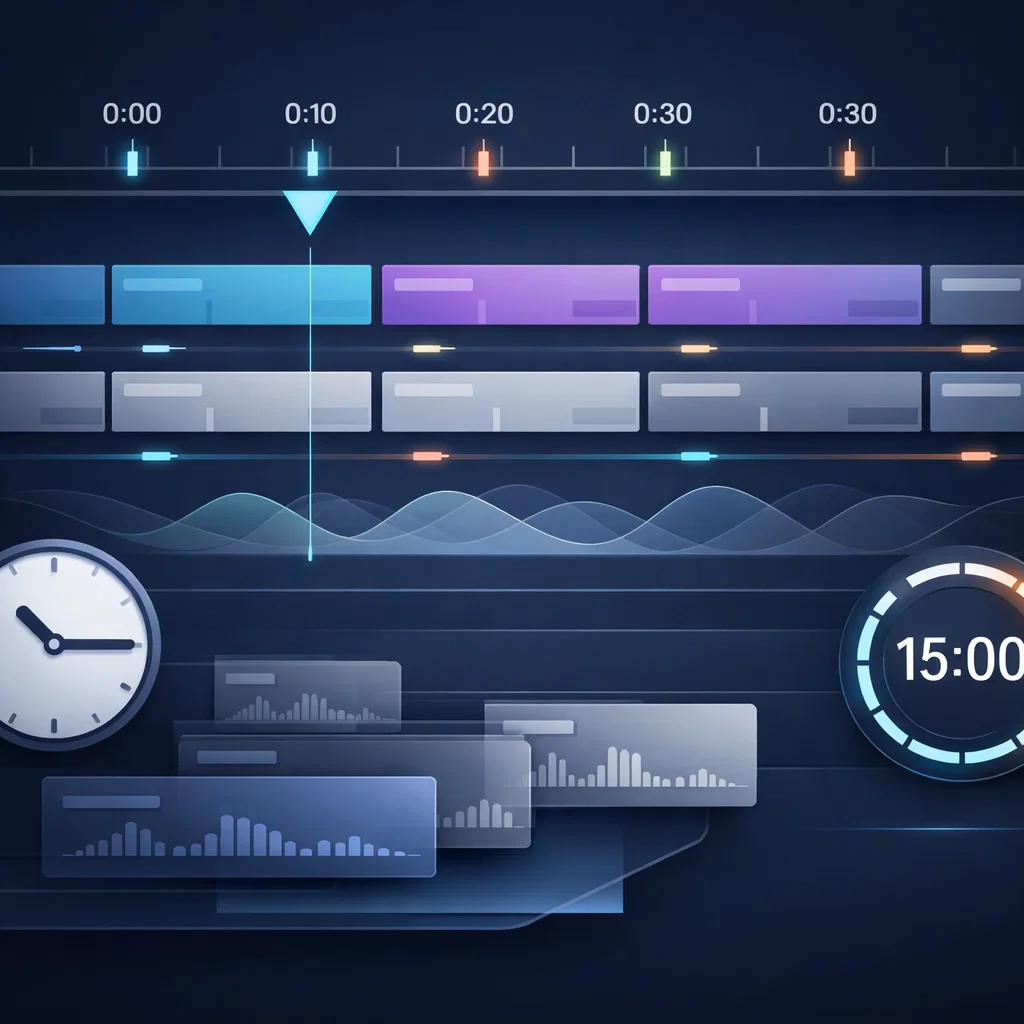
The Playlist Intervals feature introduced in SonicPlayer allows you to automate and control your broadcast flow with precision. This system enables playlists to run automatically at defined intervals, specific times, or selected days.
Playlist Intervals are available in the client-side SP left menu and work seamlessly with AutoDJ, allowing endless scheduling combinations.
The following playlist types can now be used as intervals:
Jingle playlists
Daily playlists
Specific day playlists
News playlists
Top songs playlists
Hourly ID or announcement playlists
Root shared playlists
Jingles are now treated as regular playlists, making them fully compatible with the interval system.
This feature includes the following advanced options:
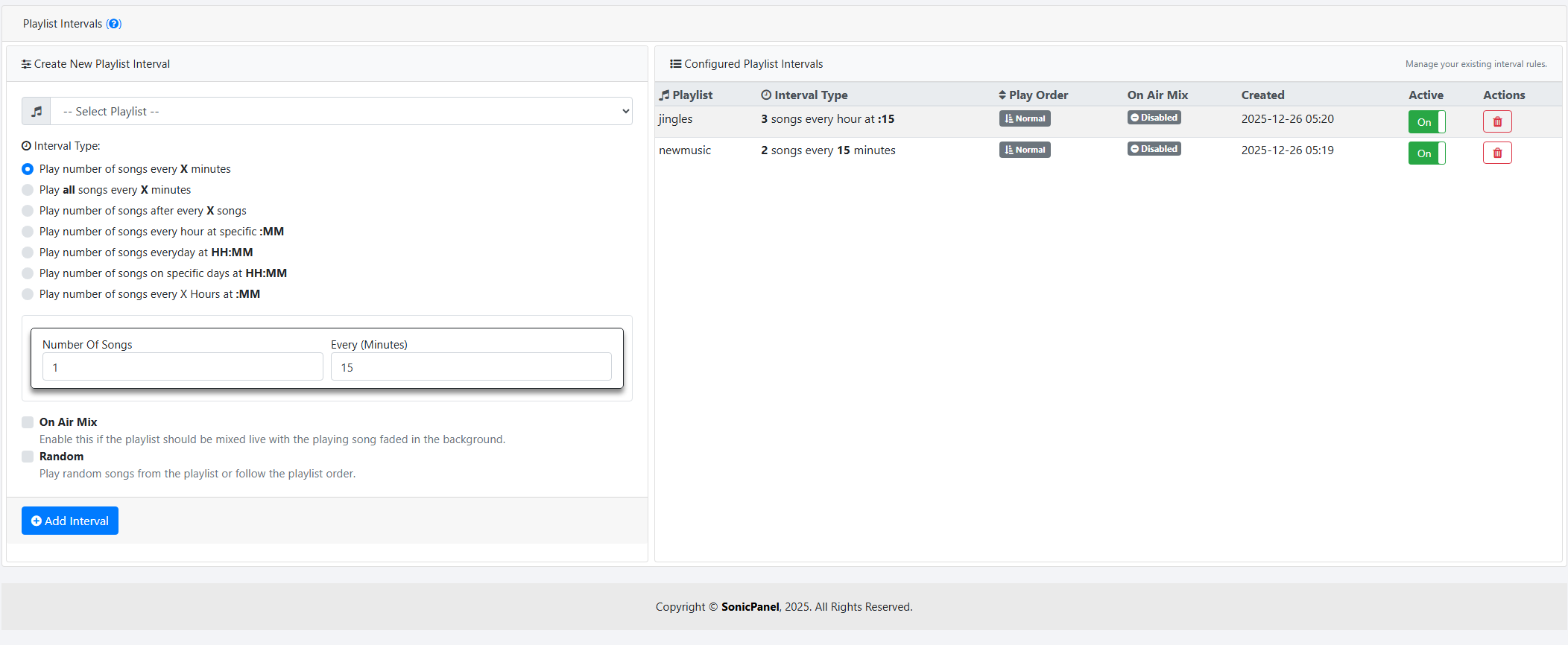
Play a number of songs every X minutes
Play all songs every X minutes
Play a number of songs after every X songs
Play a number of songs every hour at a specific :MM
Play a number of songs every day at HH:MM
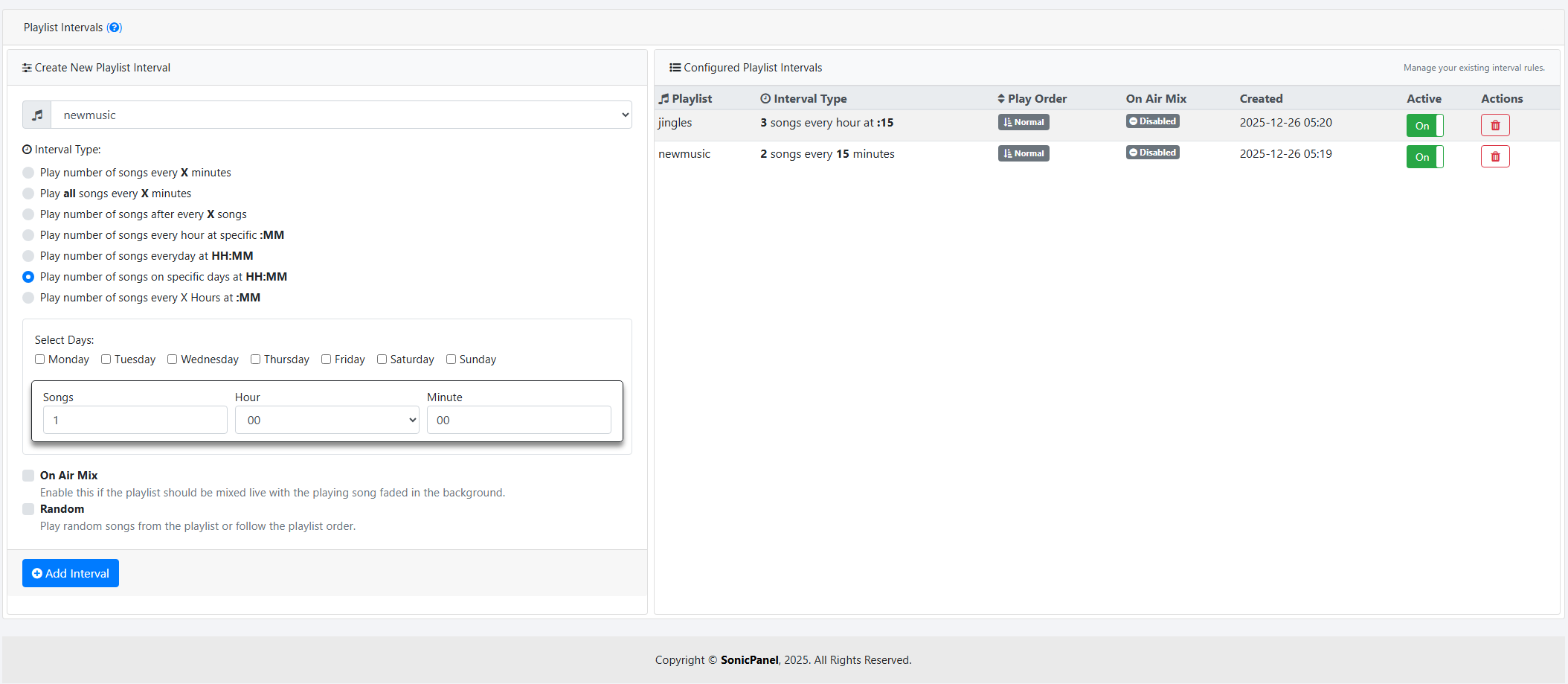
Play a number of songs on specific days at HH:MM
Play a number of songs every X hours at :MM
Optional On Air Mix option
Playlist Intervals support precise hourly and daily scheduling.
For example, playlists can be scheduled:
Every hour at exactly :00
At specific times during the day
Only on selected days
This provides full control over broadcast automation.
One of the most powerful aspects of this system is its timezone awareness.
Playlist Intervals:
Do not rely on AutoDJ process start time
Use the client’s local timezone
Run at the exact configured minute
This ensures accurate and predictable scheduling.
Even in random play mode, the interval system:
Prevents tracks from playing back-to-back
Avoids tracks repeating too close to each other
This results in a smoother and more professional broadcast flow.
Playlist Intervals work together with scheduled playlists.
For advanced scheduling details, please refer to:
https://www.kariha.net/en/info/sonicplayer-schedule-playlists-upgrade

 Turkey (Türkçe)