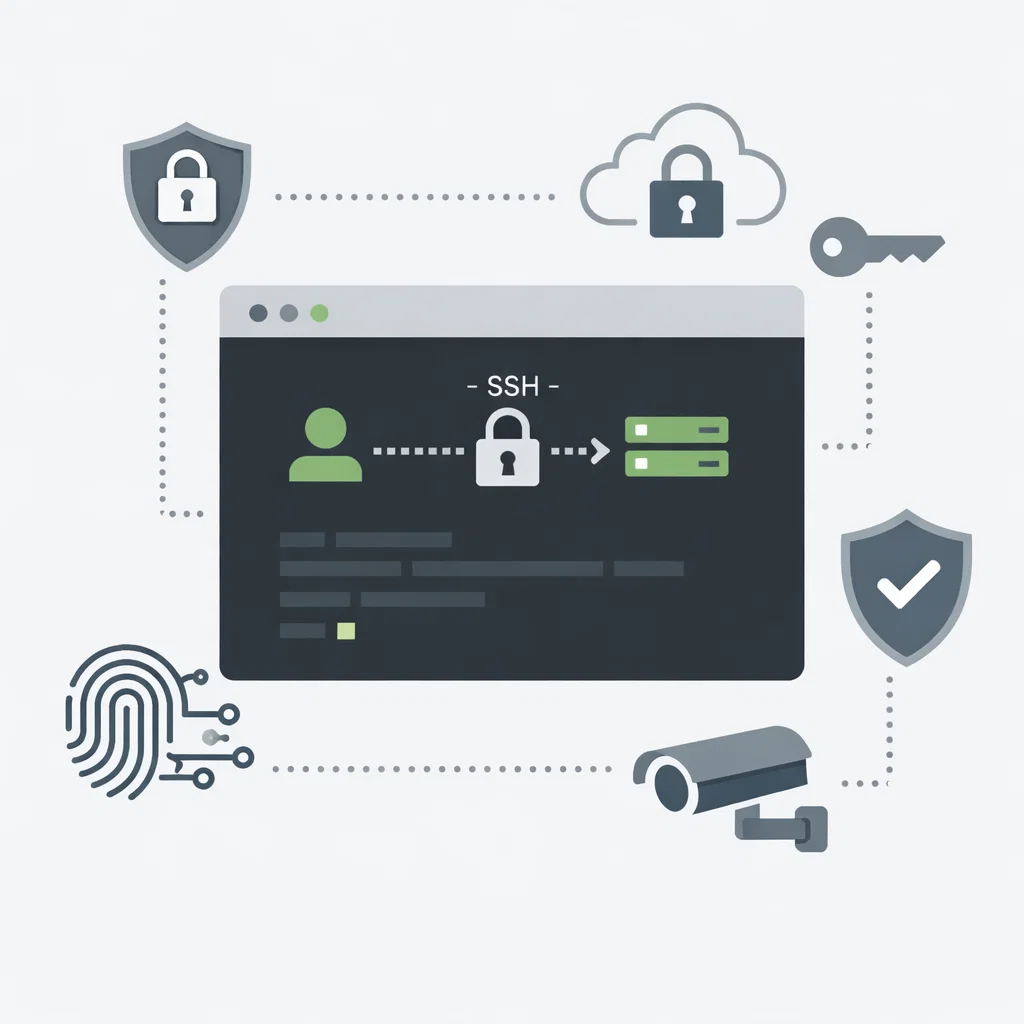
SSH port change is the process of modifying the default port used for SSH remote connections.
By default, the SSH service listens on port 22. Since this port is widely known, it is a common target for automated attacks.
Changing the SSH port is a basic security measure. While it does not fully secure a server, it significantly reduces automated attack attempts.
Before making any changes, ensure that your current SSH session remains open. Incorrect configuration may result in loss of server access.
You should also make sure the new port is allowed through the firewall.
The SSH port is configured in the SSH daemon configuration file:
/etc/ssh/sshd_config
Locate the following line:
Port 22
Change it to a custom port, for example:
Port 2222
After saving the file, restart the SSH service:
sudo systemctl restart sshd
After changing the port, you must specify the new port when connecting:
ssh -p 2222 user@server_ip
No. SSH port change alone is not sufficient for full security.
It should be combined with additional measures such as:
From a knowledge base perspective, changing the SSH port is a fundamental but essential security step.

 Turkey (Türkçe)