Knowledge Base

What Is Encoder Buffer & Latency? How to Optimize Live Broadcast Settings

What Is Encoder Buffer & Latency? How to Optimize Live Broadcast Settings

What Is an Encoder Buffer?

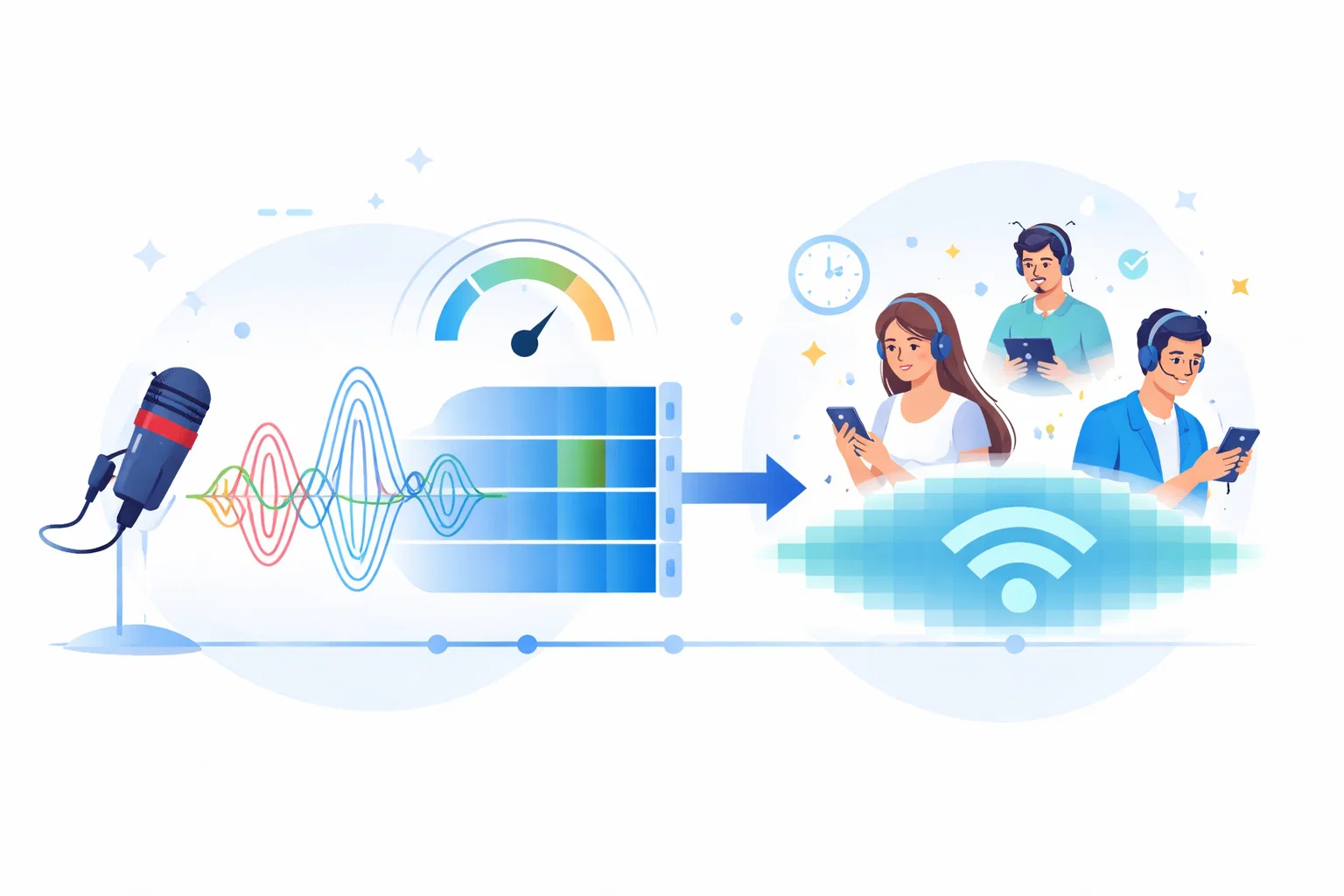
An encoder buffer is a temporary memory space where audio data is stored during live broadcasting.

It helps smooth out connection fluctuations and prevents stream dropouts.

What Is Latency?

Latency is the delay between the moment audio is produced by the DJ and when listeners hear it.

This delay depends on buffer size, bitrate, and network conditions.

How Large Should the Buffer Be?

  • Low buffer: Lower delay, higher risk of dropouts
  • High buffer: More stability, increased delay
  • Poor tuning: Sync and stability issues

Problems Caused by Incorrect Buffer Settings

  • Sudden stream interruptions
  • Audio fluctuations
  • Frequent listener connection issues
  • Reduced control over live broadcasts

Best Approach for Live Broadcasting

Buffer size should be chosen based on the stability of the broadcaster’s internet connection.

Home connections usually require moderate buffering, while studio connections can operate with lower values.

Common Misconceptions

  • Lower latency is always better
  • Increasing buffer reduces audio quality
  • Encoder settings do not affect performance

In reality, buffer and latency are core elements of broadcast reliability.

Best Practices

  • Adjust buffer settings gradually and test
  • Avoid changing settings during live shows
  • Consider AutoDJ and fallback together
  • Balance stability and delay

From a knowledge base perspective, encoder buffer and latency settings define both quality and reliability of live broadcasting.


Can't find the information you are looking for?

Create a Support Ticket
Did you find it useful?

0 times viewed | 0 people fount it helpful

908503035670