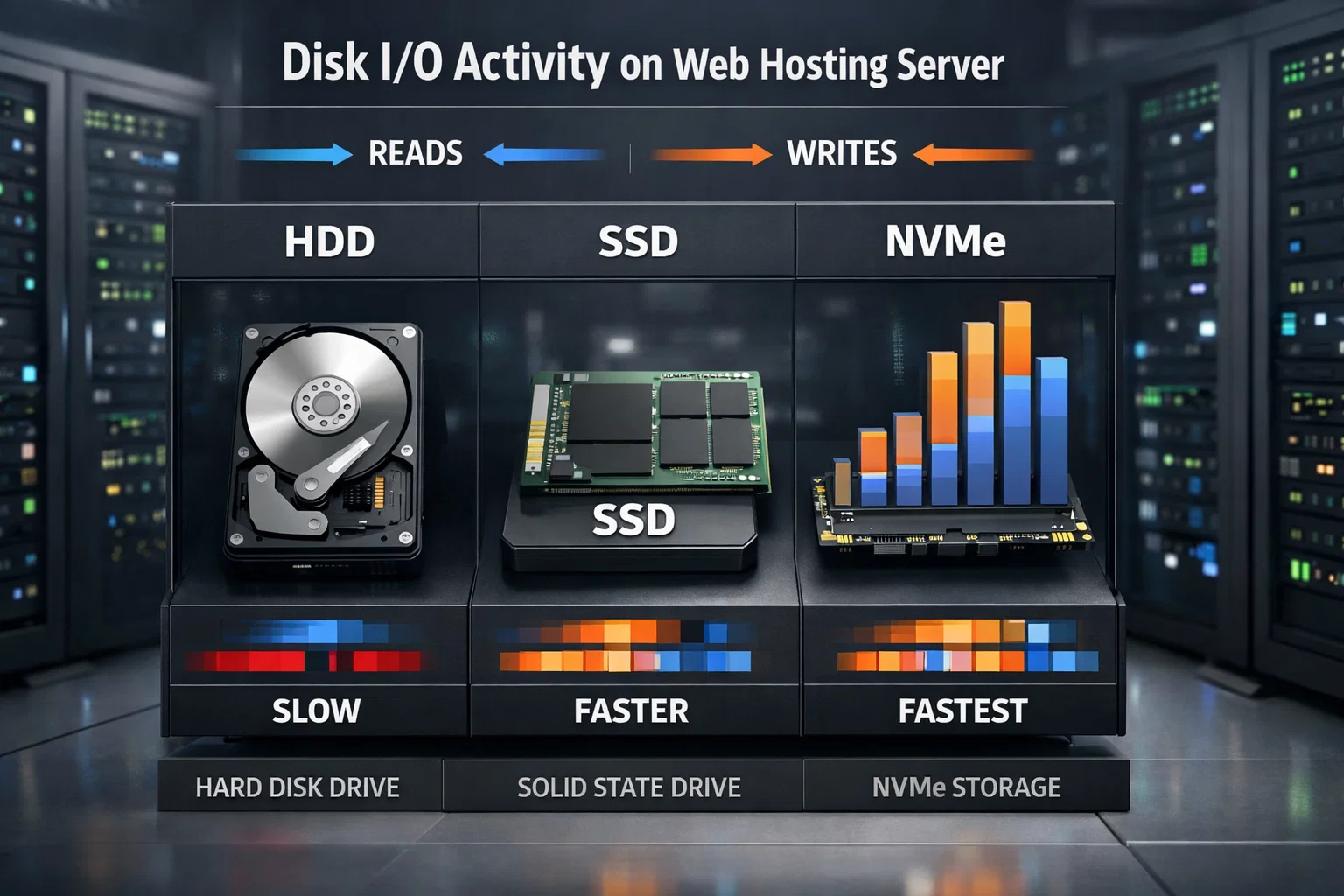
Disk I/O (Input / Output) refers to how fast a server can read and write data on its storage disks. In web hosting environments, Disk I/O is a critical factor that directly impacts website speed and responsiveness.
Every time a website loads, files, images, and database records are read from disk. Disk I/O determines how quickly these operations can be completed.
SSD and NVMe disks provide significantly higher Disk I/O capacity compared to traditional HDDs, resulting in faster response times and improved stability.
When your hosting plan’s Disk I/O limit is exceeded, your website may slow down or become temporarily inaccessible, usually due to high traffic or resource overuse.
High Disk I/O web hosting plans are especially important for dynamic, database-driven websites.
Disk I/O is often overlooked but plays a vital role in hosting performance. For a fast and reliable website, Disk I/O capacity should always be considered.

 Turkey (Türkçe)