Knowledge Base

Linux Log Management Explained: journalctl and /var/log Reference Guide

Linux Log Management Explained: journalctl and /var/log Reference Guide

What Is Linux Log Management?

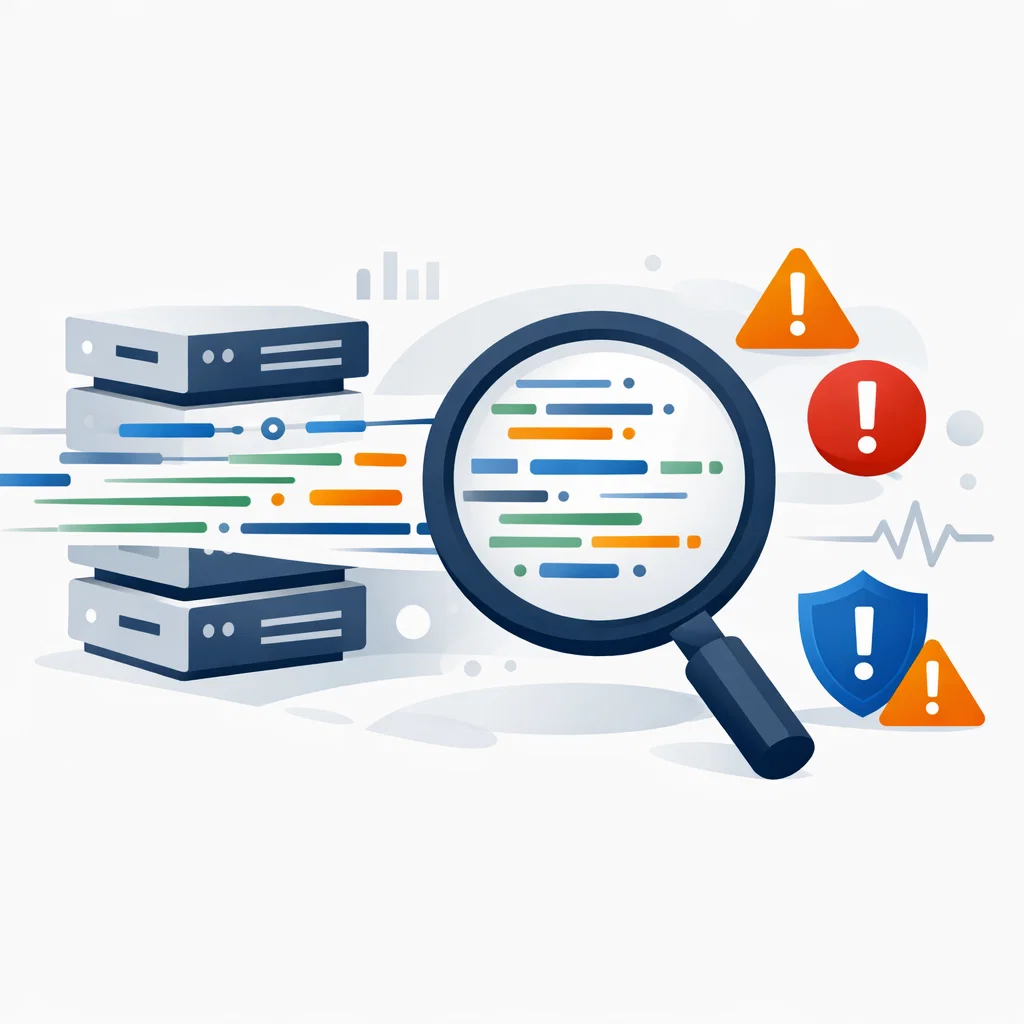
Linux log management involves collecting, storing, and analyzing system events, service activities, and error records through log files.

Logs are a primary data source for system stability analysis, security auditing, and troubleshooting.

Where Are Linux Log Files Stored?

On traditional Linux systems, most log files are located under the /var/log directory.

  • /var/log/syslog – General system events
  • /var/log/auth.log – Authentication and SSH logs
  • /var/log/kern.log – Kernel messages
  • /var/log/nginx/ – Nginx access and error logs
  • /var/log/apache2/ – Apache access and error logs

What Are systemd and journalctl?

Modern Linux distributions use systemd to manage services. systemd stores logs in a centralized binary format called the journal.

The journalctl command is used to query and filter these logs.

Basic journalctl Usage

journalctl
journalctl -xe
journalctl -u ssh
journalctl --since "2025-12-29 09:00"
  • -xe: Shows recent errors with context
  • -u: Filters logs by service
  • --since: Applies time-based filtering

Why Is Log Management Critical?

Logs are essential not only for debugging but also for detecting security incidents.

  • Unauthorized access attempts
  • Service crash root causes
  • Performance degradation analysis
  • System configuration changes

What Happens If Logs Grow Uncontrolled?

Unmanaged logs can consume disk space and cause service outages.

For this reason, Linux systems rely on logrotate.

What Is logrotate?

logrotate is a system utility that rotates, compresses, and removes log files on a scheduled basis.

  • Prevents disk exhaustion
  • Archives historical logs
  • Maintains system performance

Best Practices

  • Regularly review logs
  • Monitor critical service logs separately
  • Track disk usage
  • Forward security logs to centralized systems

From a knowledge base perspective, log management is a core capability for system health and incident detection.


Can't find the information you are looking for?

Create a Support Ticket
Did you find it useful?

0 times viewed | 0 people fount it helpful

908503035670