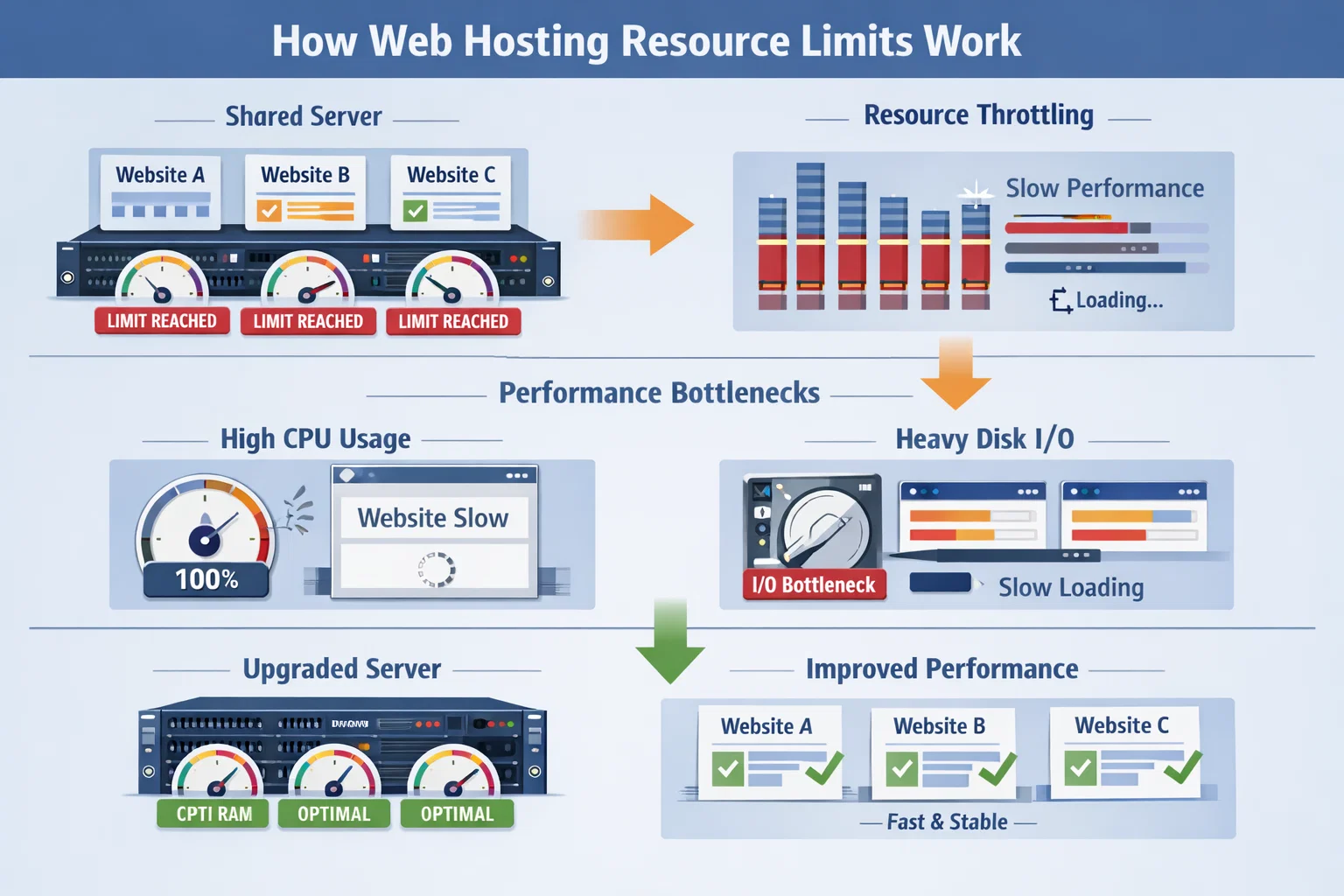
Most website performance issues are directly related to hosting resource limits. CPU, RAM, and Disk I/O are often misunderstood technical terms, yet they define how fast and stable a website can operate.
Resource limits define how much CPU power, memory (RAM), and disk read/write capacity (Disk I/O) a website can use on a server. In shared hosting environments, these resources are distributed among multiple users.
The CPU limit determines how much processing power your website can use. Dynamic pages, database queries, and visitor traffic heavily impact CPU usage.
RAM is used by running applications such as PHP and databases. When RAM is insufficient, processes may fail or stop.
Disk I/O defines how fast the server can read and write data to storage. Images, files, and database records rely on this capacity.
When limits are reached, the hosting system throttles the website to protect other users. Visitors experience this as slowness or downtime.
Choosing appropriate web hosting resources based on actual needs is essential for long-term performance and stability.
CPU, RAM, and Disk I/O are the foundation of website performance. Understanding these limits is critical for making informed hosting decisions and maintaining a fast, reliable website.

 Turkey (Türkçe)